Comparison
Docs vs scattered PDF tools, scan apps, and cloud drives
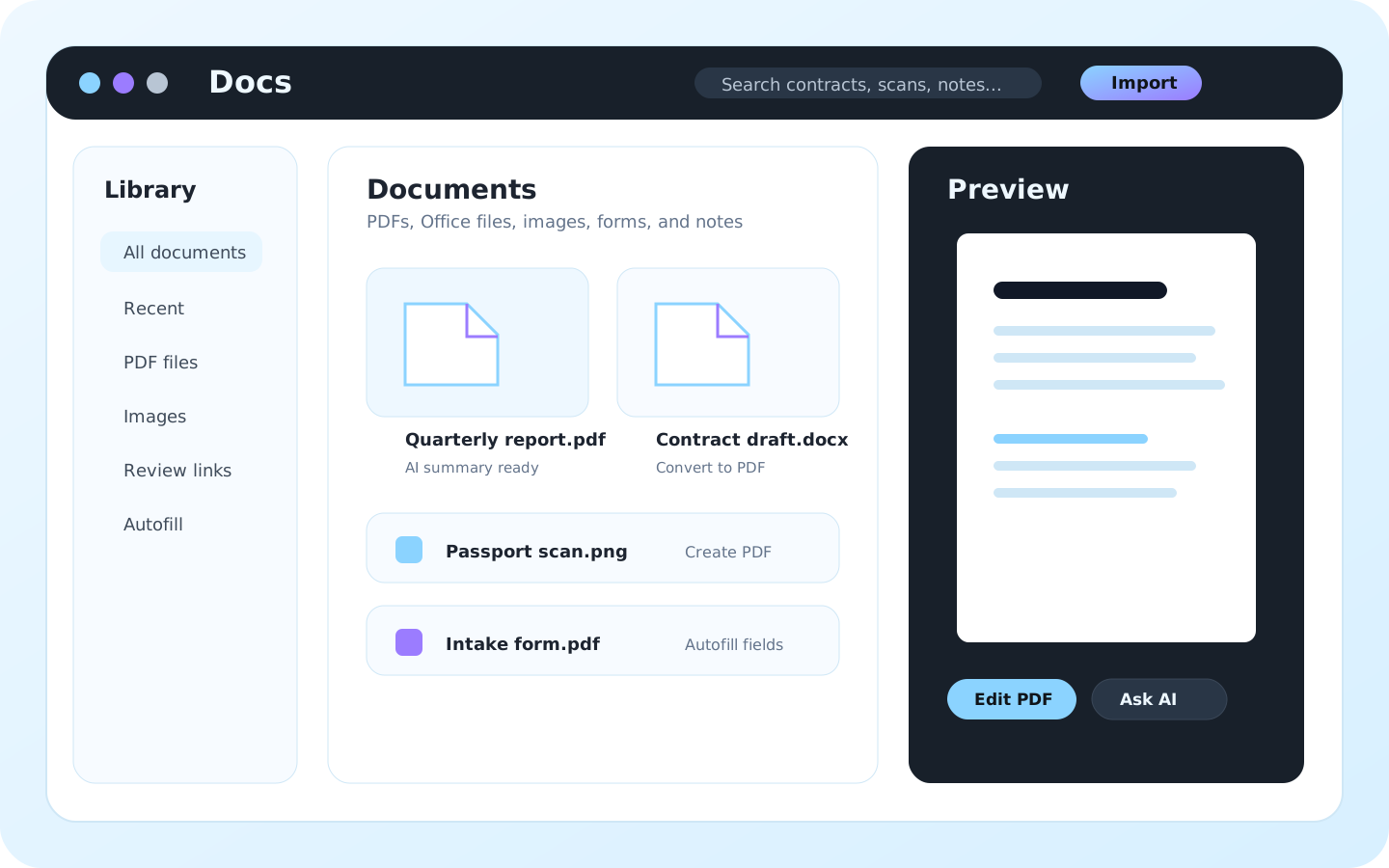
Docs is built for repeated document work where files, edits, scans, folders, tags, searchable archive context, summaries, form data, shared reviews, private backup, and sync need to stay connected.
Use separate utilities for one-off jobs. Use Docs when the value is the reusable document management workspace: local library, PDF tools, scans, Office files, CSV/text/Markdown editing, starter AI, passwords, review, and optional encrypted sync.
Main modelFiles move between converters, viewers, scan apps, folders, and share links.One searchable archive connects drag-and-drop import, folders, tags, preview, reading, edit, PDF passwords, scan, convert, OCR-aware search, AI, review, backup, and sync.
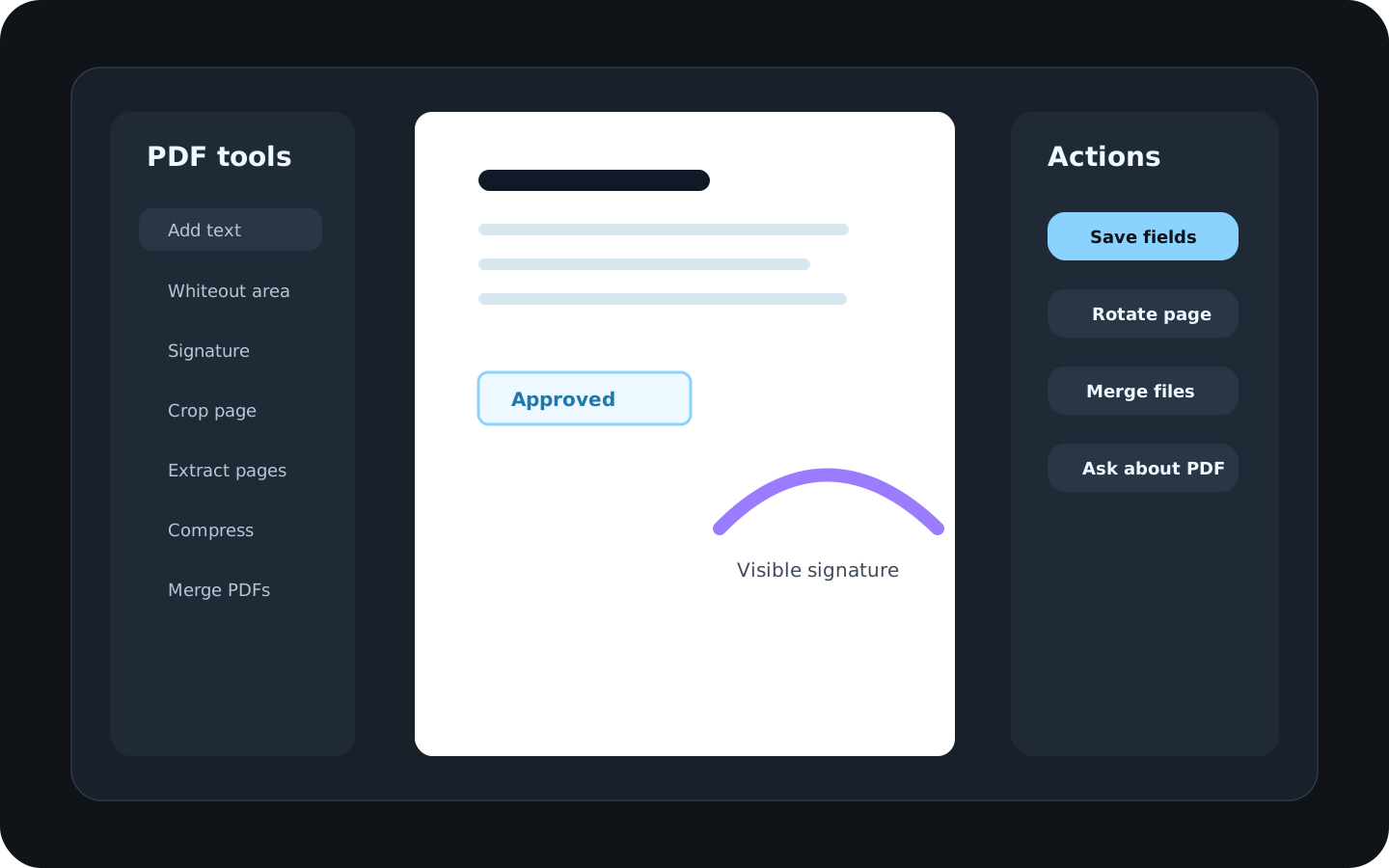
PDF editingA separate tool for each edit: signatures, crop, forms, split, merge, or compression.PDF tools live beside the document library, reading mode, password protect/unlock flows, page extraction, split/merge, and review context.
Office editing and conversionUpload to a converter, edit elsewhere, download output, then re-file manually.Edit simple Word, XLSX, CSV, text, and Markdown files, replace PowerPoint text or images where supported, convert supported documents and scans to PDF, and keep source/output organized.
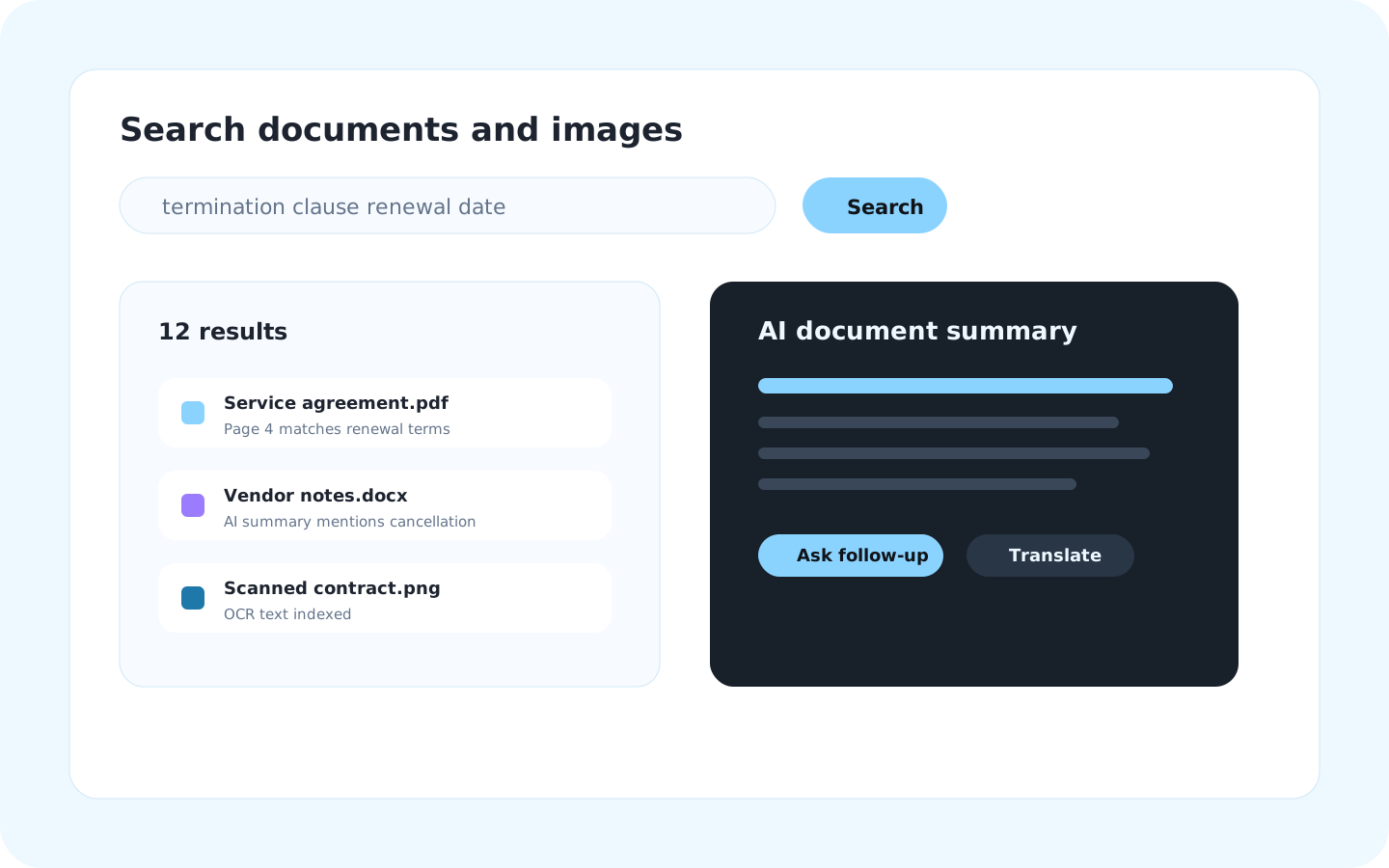
Search and AISearch by filename or paste text into a generic AI chat.Search documents and extracted scan text where available, preview matches, summarize PDF/Office/Markdown files, ask questions, rewrite selected text, translate, tag, and use custom model prompts in context.
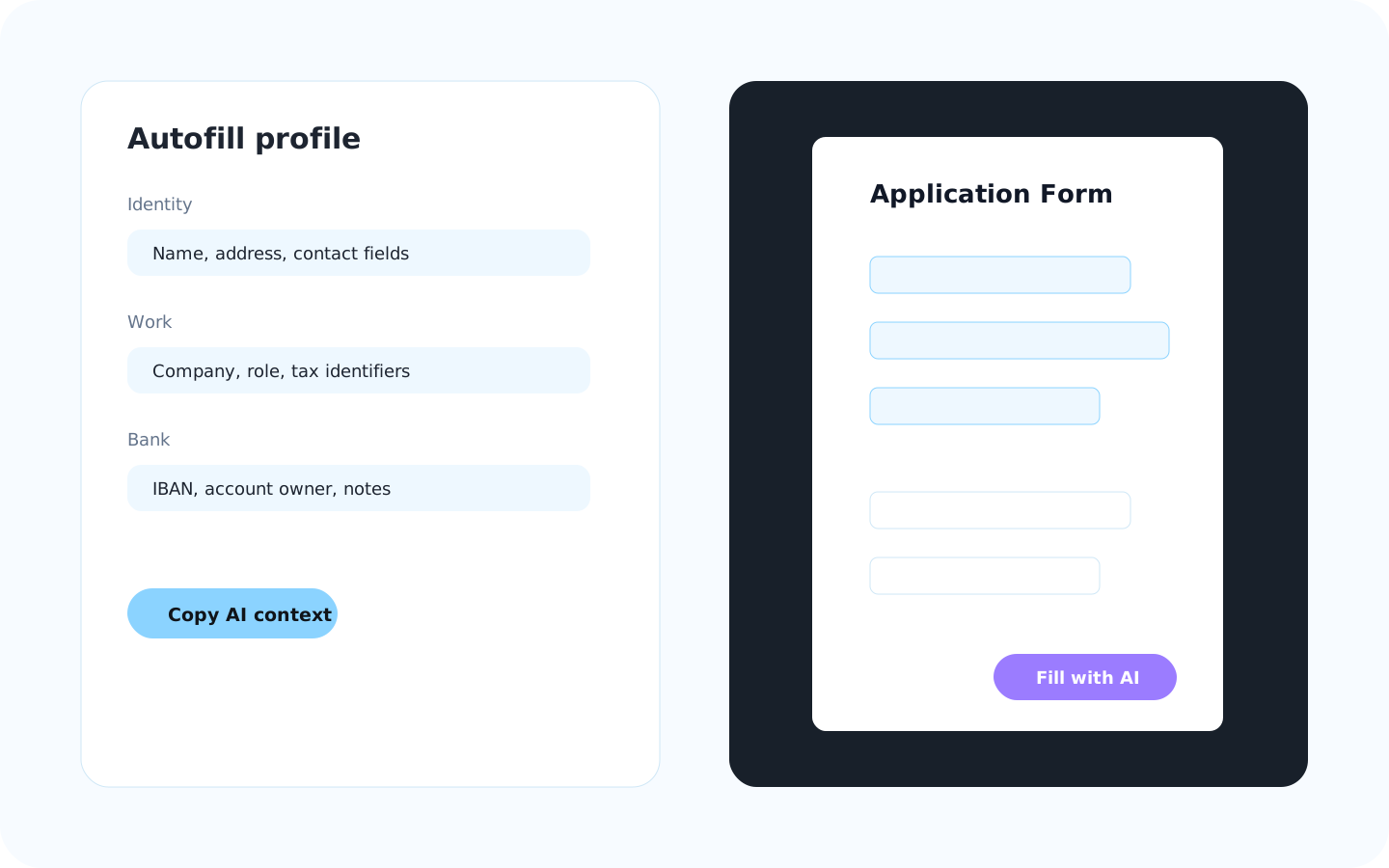
FormsRetype the same identity and business data into every form.Use autofill profiles and AI context for repetitive PDF form workflows.
Backup, sync, and sharingCloud links, comments, device copies, folder state, and final files drift apart.On-device encryption before cloud backup, cross-device sync, PDF password workflows, password-protected review links, link lists, comments, protected sharing, and import return to the library.
ControlDocument copies spread across third-party tools.Local workflows, PDF passwords, protected review links, end-to-end encrypted sync, custom prompts, and own model options keep document handling more deliberate.
AutomationManual steps are hard to repeat reliably.API-oriented workflows support repeatable document operations, search, conversion, tagging, sharing, and review automation.
Best fitOccasional one-off conversions.People who manage folders, edit, scan, convert, read, search, review, back up, and sync documents regularly.